
Data
The Data of a service can be accessed via the Study Details menu screen in the Study Files tab.
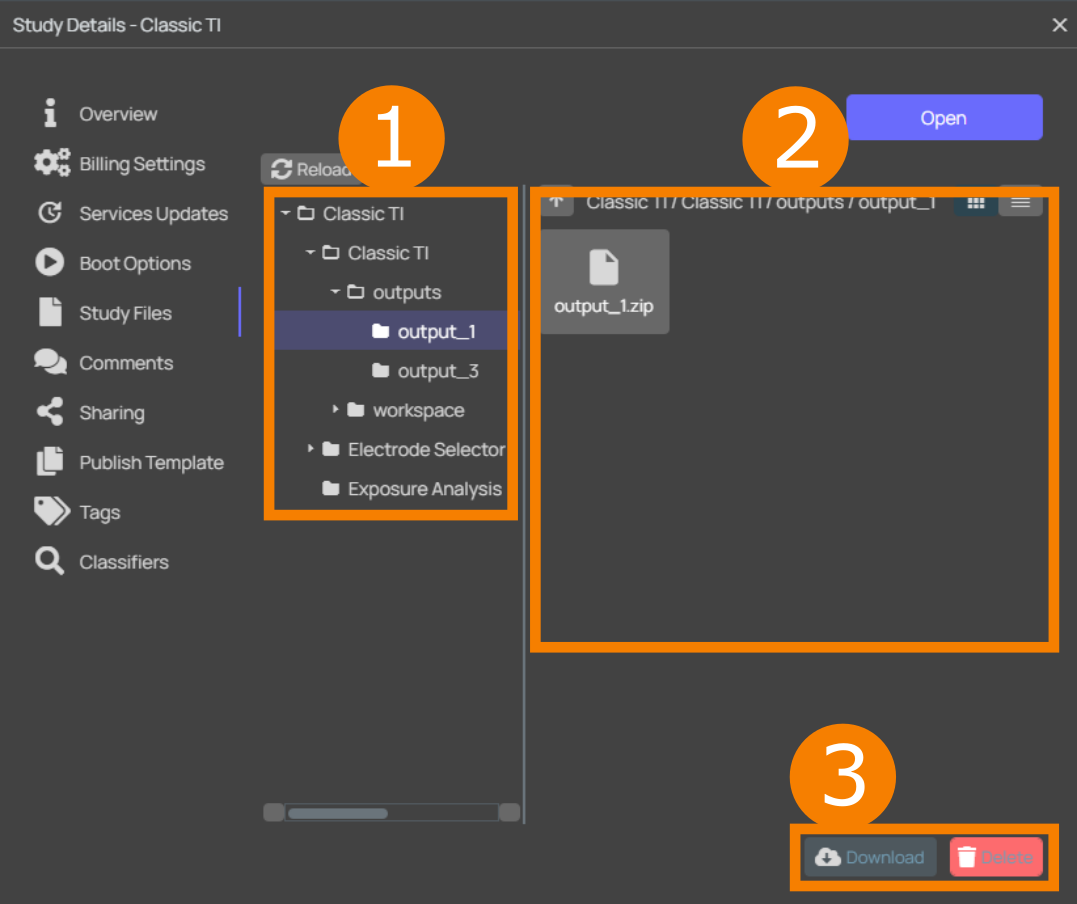
When changing to this section, you are presented with the file system of the selected Study (1.). By selecting a certain directory, the files within that folder will be displayed in the area to the right (2.). You can download files (3.), such as logs or the input/output data of Services. Two principal views are available: an icon and a list view - the latter provides additional information about the file size and the last modification date. Occasionally, it can be necessary to click the Reload button to refresh the file system tree.
For more information, see the o2S2PARC User Manual.